Each Soracom Query plan includes a number of queries per month. Each time you ask a question, whether through the User Console or via API, a query is executed which counts towards the plan usage.
Checking Plan Usage
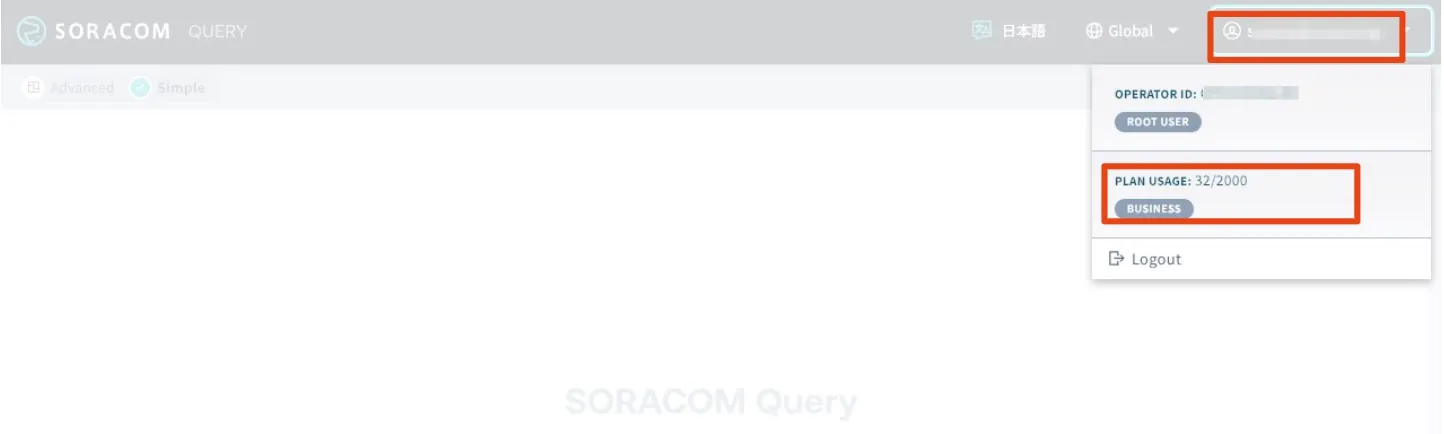
You can check your current plan usage in the Soracom Query Studio in the User Console.
-
Sign in to the User Console as the Root user and select the appropriate coverage type.
-
From the Menu, expand Soracom Query and select Soracom Query.
-
Access Soracom Query Studio by clicking Launch Soracom Query Studio.
-
Click the button displaying your username in the upper-right corner to view the number of API executions committed for the month.